Introduction
Computer vision is one of the most exciting and rapidly evolving fields in artificial intelligence (AI). It enables machines to interpret, analyze, and understand visual information from the world, much like humans do with their eyes and brain. From facial recognition systems on smartphones to self-driving cars navigating busy streets, computer vision is transforming industries and reshaping how we interact with technology.
In this comprehensive guide, we will explore what computer vision is, how it works, its core techniques, real-world applications, benefits, challenges, and future trends. Whether you’re a beginner or someone looking to deepen your understanding, this article will give you a clear and engaging overview.
What is Computer Vision?
Computer vision is a branch of artificial intelligence that trains computers to process and interpret visual data such as images and videos. The goal is to enable machines to “see” and make decisions based on what they observe.
Unlike traditional programming, where explicit instructions are given, computer vision systems learn from large datasets. These systems identify patterns, recognize objects, and even understand complex scenes.
How Computer Vision Works
At its core, computer vision involves several key steps:
1. Image Acquisition
This is the process of capturing images or videos using cameras, sensors, or other imaging devices.
2. Preprocessing
Before analysis, images are cleaned and enhanced. This may include noise reduction, resizing, normalization, or color adjustments.
3. Feature Extraction
The system identifies important elements in an image such as edges, textures, shapes, and colors.
4. Image Processing and Analysis
Using algorithms and machine learning models, the system analyzes features to identify patterns and objects.
5. Interpretation and Decision-Making
Finally, the system makes decisions based on the analysis, such as recognizing a face or detecting an obstacle.
Key Techniques in Computer Vision
1. Image Classification
This technique assigns a label to an entire image. For example, identifying whether an image contains a cat or a dog.
2. Object Detection
Object detection identifies and locates multiple objects within an image using bounding boxes.
3. Image Segmentation
Segmentation divides an image into different regions or segments, allowing for detailed analysis of each part.
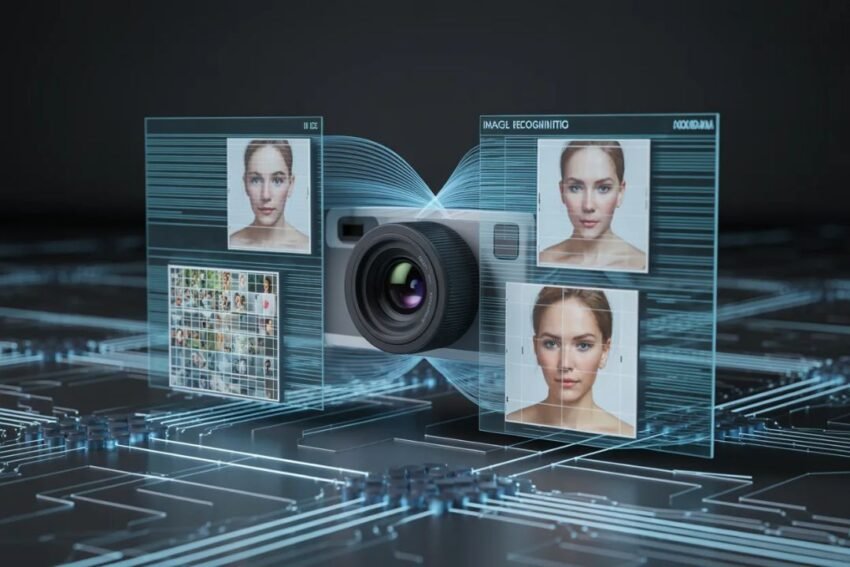
4. Facial Recognition
This involves identifying or verifying a person’s identity using their facial features.
5. Optical Character Recognition (OCR)
OCR extracts text from images, making it useful for digitizing printed documents.
Role of Machine Learning and Deep Learning
Modern computer vision heavily relies on machine learning (ML) and deep learning (DL), especially neural networks.
Convolutional Neural Networks (CNNs)
CNNs are specifically designed for image processing. They automatically detect important features and patterns in images.
Training the Models
Computer vision models are trained on massive datasets containing labeled images. Over time, they learn to recognize patterns and improve their accuracy.
Applications of Computer Vision
1. Healthcare
Computer vision helps in medical imaging, disease detection, and diagnosis. It can analyze X-rays, MRIs, and CT scans with high precision.
2. Autonomous Vehicles
Self-driving cars use computer vision to detect pedestrians, traffic signs, and obstacles, enabling safe navigation.
3. Retail
Retailers use computer vision for inventory management, cashier-less stores, and customer behavior analysis.
4. Security and Surveillance
Facial recognition and motion detection systems enhance security in public and private spaces.
5. Agriculture
Farmers use computer vision for crop monitoring, disease detection, and yield prediction.
6. Manufacturing
In industries, computer vision ensures quality control by detecting defects in products.
Benefits of Computer Vision
- Automation: Reduces manual effort by automating visual tasks.
- Accuracy: High precision in detecting patterns and anomalies.
- Speed: Processes large volumes of data quickly.
- Scalability: Easily applied across different industries.
- Cost Efficiency: Reduces operational costs over time.
Challenges in Computer Vision
Despite its advantages, computer vision faces several challenges:
1. Data Dependency
High-quality and large datasets are required for training accurate models.
2. Variability in Images
Lighting, angles, and occlusions can affect performance.
3. Computational Requirements
Training deep learning models requires significant computing power.
4. Ethical Concerns
Issues like privacy and surveillance raise ethical questions.
Future Trends in Computer Vision
The future of computer vision looks promising, with several emerging trends:
1. Edge Computing
Processing visual data on devices (like smartphones) instead of the cloud for faster responses.
2. 3D Vision
Understanding depth and spatial relationships for applications like robotics and AR/VR.
3. Explainable AI
Making AI decisions more transparent and understandable.
4. Integration with IoT
Combining computer vision with Internet of Things (IoT) devices for smarter systems.
5. Real-Time Processing
Improved algorithms enabling instant analysis of video streams.
Computer Vision vs Human Vision
While human vision is highly adaptable and intuitive, computer vision excels in consistency and speed. Machines can process millions of images quickly, while humans rely on experience and context.
However, human vision still surpasses machines in understanding complex scenes and emotions. The goal of computer vision is to bridge this gap.
Getting Started with Computer Vision
If you’re interested in learning computer vision, here are some steps:
- Learn programming languages like Python.
- Understand basic mathematics and linear algebra.
- Explore libraries like OpenCV and TensorFlow.
- Work on small projects such as image classification.
- Take online courses and tutorials.
Conclusion
Computer vision is revolutionizing the way machines interact with the world. By enabling computers to see and interpret visual data, it opens doors to countless innovations across industries. From healthcare to transportation, its impact is undeniable.
As technology continues to evolve, computer vision will become even more powerful, bringing us closer to a future where machines can understand the world as humans do—or perhaps even better.
FAQs
What is computer vision in simple terms?
Computer vision is a technology that allows machines to see and understand images and videos.
Is computer vision part of AI?
Yes, it is a subfield of artificial intelligence.
What are common uses of computer vision?
It is used in healthcare, self-driving cars, security, retail, and more.
What skills are needed for computer vision?
Programming, mathematics, and knowledge of machine learning are essential.